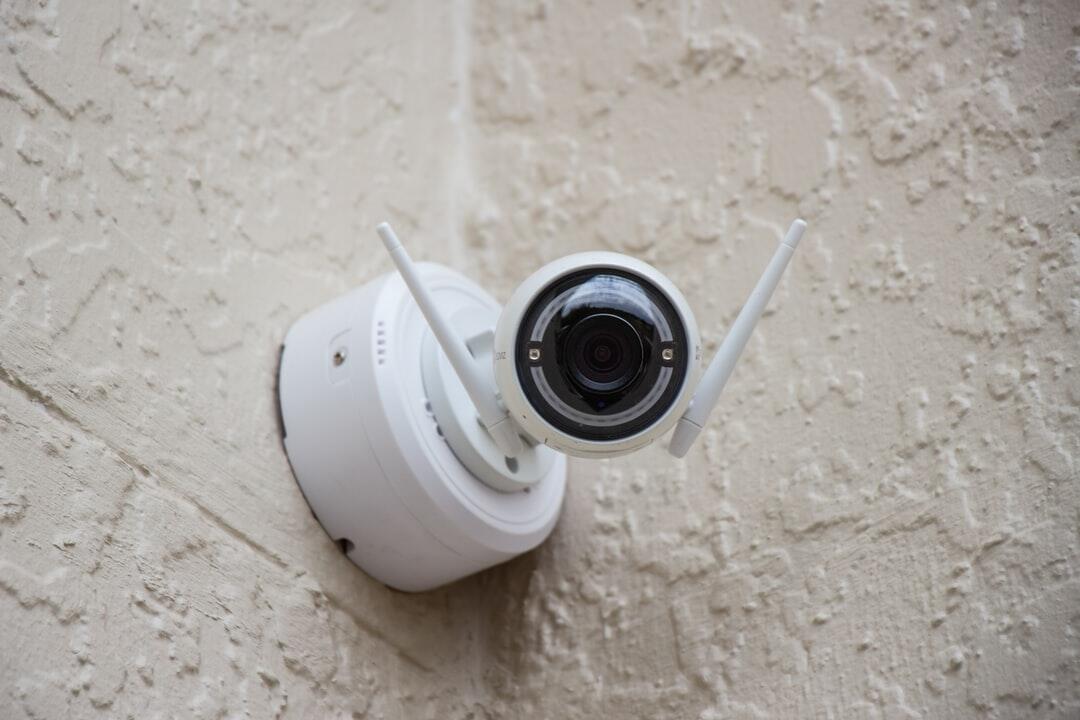
The Critical Role of IT Support in Securing Your Systems

Are your systems truly protected from cyber threats?
Every business faces risks from hackers, viruses, and data breaches, and IT support plays a key role in keeping your information safe. With the right security measures in place, you can prevent costly problems and ensure your operations run smoothly.
Don’t leave your system exposed-take the first step today to strengthen your IT defenses and keep your data secure!
Monitor Network Activity
Watching your network closely helps catch problems before they get worse. IT support can track data, find unusual activity, and stop threats early. This keeps your systems running smoothly and your information safe. Staying alert to network changes helps prevent costly downtime.
It also shows where your system might be weak or at risk. Experts can fix these weak points and improve security. Regular monitoring keeps your business safe from hackers. Having IT support watch your network makes your system more reliable every day.
Update Software Regularly
Keeping your software up to date is important to protect your systems from security threats. IT support ensures that all programs and applications have the latest patches and fixes. Updated software can prevent hackers from exploiting old vulnerabilities. Regular updates also help your system run more smoothly and efficiently.
Neglecting updates can leave your business open to attacks and data loss. Staying on top of software updates is a simple but effective way to protect your system. With regular updates, your IT environment stays safe and reliable.
Use Strong Passwords
Using strong passwords is one of the simplest ways to protect your systems. IT support can help create passwords that are hard for hackers to guess. Combining letters, numbers, and symbols makes passwords much stronger. Changing passwords regularly adds another layer of security.
Weak passwords make it easy for cybercriminals to access important data. Experts can also guide employees on best practices for keeping passwords safe. Strong passwords help keep your accounts and information secure. With good password habits, your system stays protected every day.
Enable Multi-Factor Login
Adding an extra step to log in makes your systems much safer. IT support can set up multi-factor authentication to protect accounts from unauthorized access. Even if a password is stolen, the second verification keeps hackers out. This simple step greatly reduces the risk of cyber attacks.
Multi-factor login helps secure sensitive information across your business. Experts can guide employees on how to use it easily and effectively. It adds a strong layer of protection without slowing down work. With this system in place, your data stays much safer every day.
Protect Against Malware
Malware can damage your system and steal important data if left unchecked. IT support helps protect your business by using the latest tools to detect and remove threats. With the right protection, your systems stay safe and run smoothly. Choosing award-winning Managed IT services in Chicago ensures your business has expert malware defense.
Experts can set up strong security measures to keep your files and networks secure. Using professional IT support makes it easier to prevent attacks and recover quickly if one occurs. With these steps, your system stays protected and reliable every day
All About the Critical Role of IT Support
Partnering in security means you’re never facing cyber threats alone. With the right support, your systems stay protected, and your data stays safe. Don’t wait for a breach to happen-invest in a security partner who keeps your business strong and secure every day.
Did you enjoy reading this article? If so, then be sure to check out the rest of our blog for more!